The PDF editor
that never sees
your file.
Edit, sign, fill, and convert PDFs in seconds — every page rendered and saved entirely in your browser.
Editing is free. Downloading your finished file is a one-time $1.97 per document, refundable for 7 days.
Open your PDF
In-browserMost PDF tools upload your file. We don't have a server.
Everything runs inside your browser tab. Your document is never sent anywhere — which makes it the safe choice for bank statements, IDs, contracts, and anything you can't risk leaking.
Everything you need to mark up a page
Fast, private tools that run right in your browser — no plugins, no exports, no round-trips.
Convert without uploading
PDF to JPG, images to PDF, merge, split, watermark — every conversion runs in your browser, never on a server.
Get your paperwork done in minutes
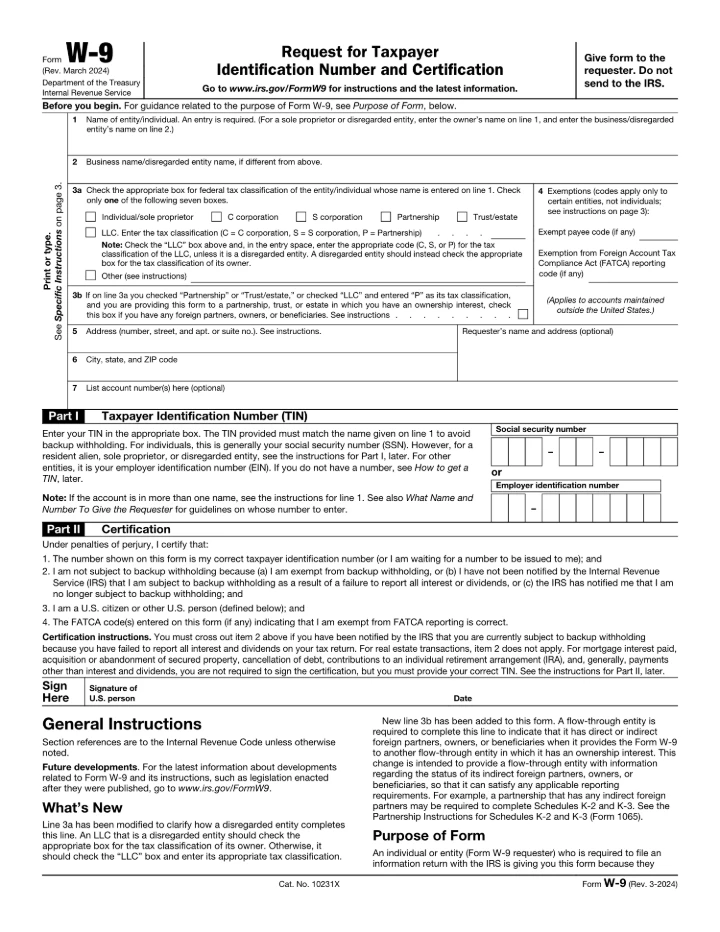
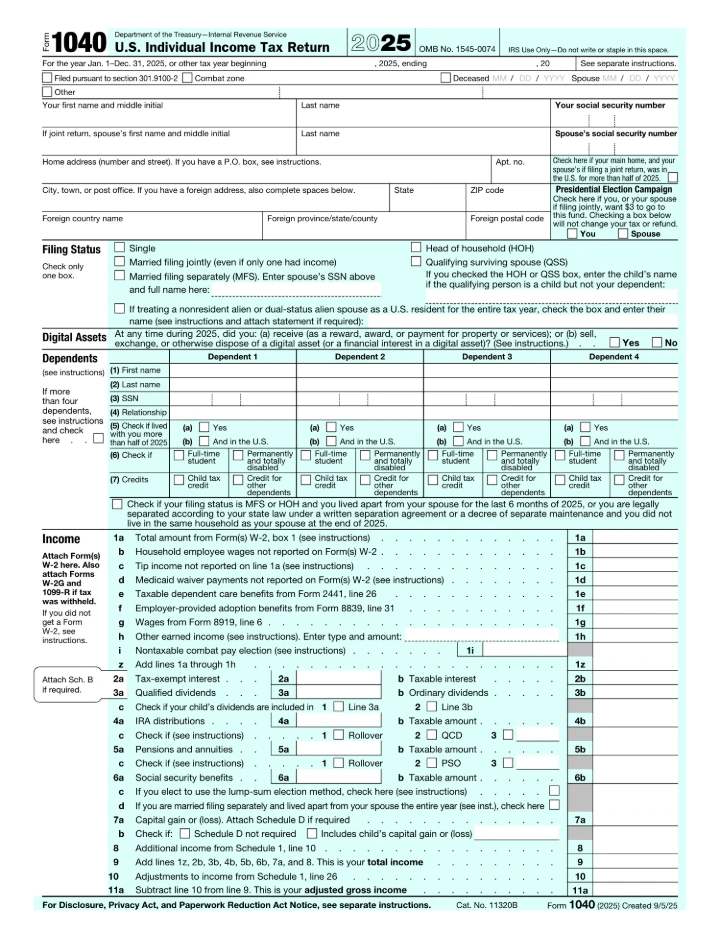
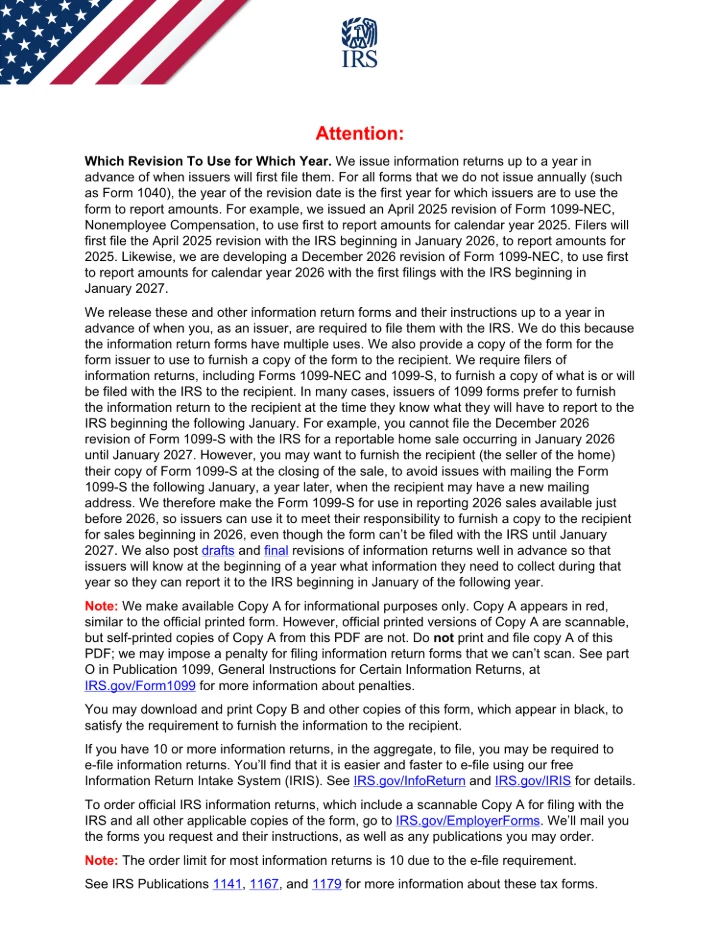
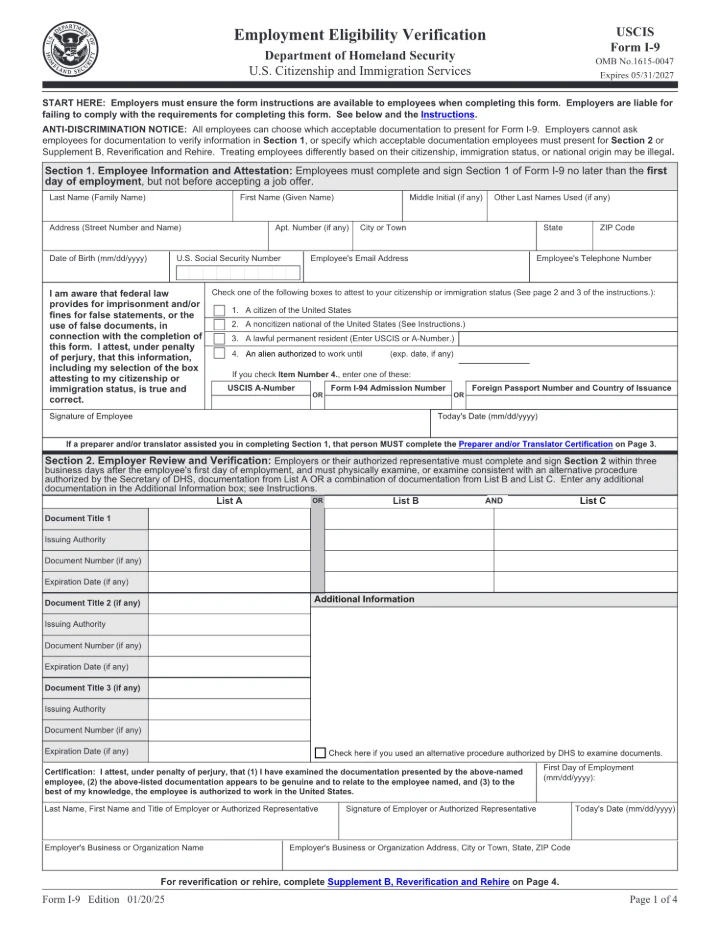
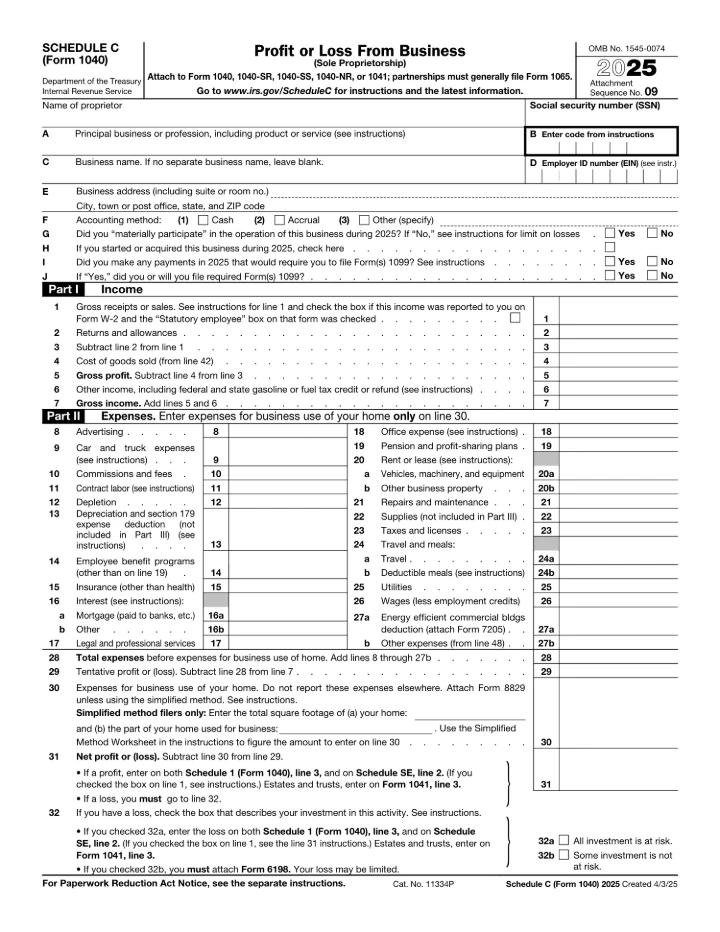
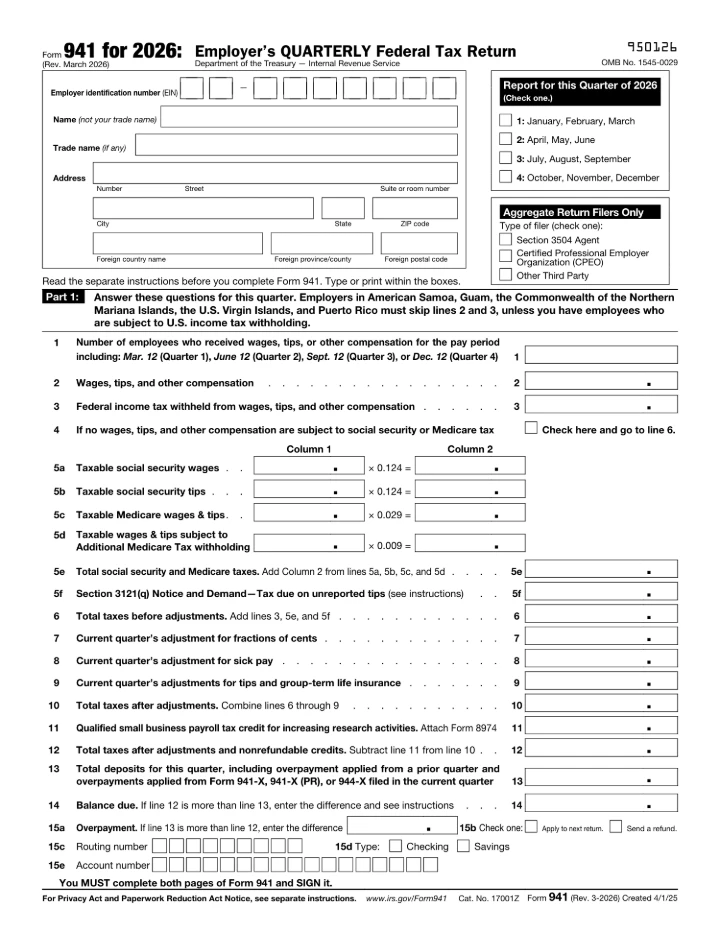
Fill, sign, and download 200+ official IRS, tax & immigration forms — W-9, 1040, I-9 and more. Fill and sign right in your browser — nothing uploaded.
Three steps, zero uploads
Open your PDF
Drop a file or pick one — it loads instantly, right in your browser.
Edit & annotate
Rewrite text in the real font, highlight, draw, sign, and add notes.
Download
Save your edited PDF. Nothing was ever sent anywhere.
Never leaves your device
No upload, no server, no 48-hour storage. Perfect for statements, IDs, and contracts.
Keeps the original font
We reuse the document's embedded font at its real size and color — edits are invisible, never pasted-on.
Truly private
Your file is rendered and edited entirely in your browser — never uploaded to a server. No account, no watermark.
Questions, answered
Is my file private?+–
Yes. Your PDF is opened and edited entirely in your browser — it is never uploaded to a server, and no account is required.
Do you upload my PDF anywhere?+–
Never. The editor runs entirely in your browser tab. Your file is opened locally and is never sent to a server — we don't even have one that stores documents.
Will editing change the font or layout?+–
No. We reuse the document's own embedded font at its original size and color, so edited text blends in seamlessly instead of looking pasted on top.
Do I need to install anything or sign up?+–
Nothing to install and no account required. It works in any modern browser — just open the page and start editing.
Can I use it offline?+–
Once the page has loaded, editing works without a connection. Since nothing is uploaded, you can safely work on sensitive documents fully offline.