Forms › W-2
Fill out Form W-2 online
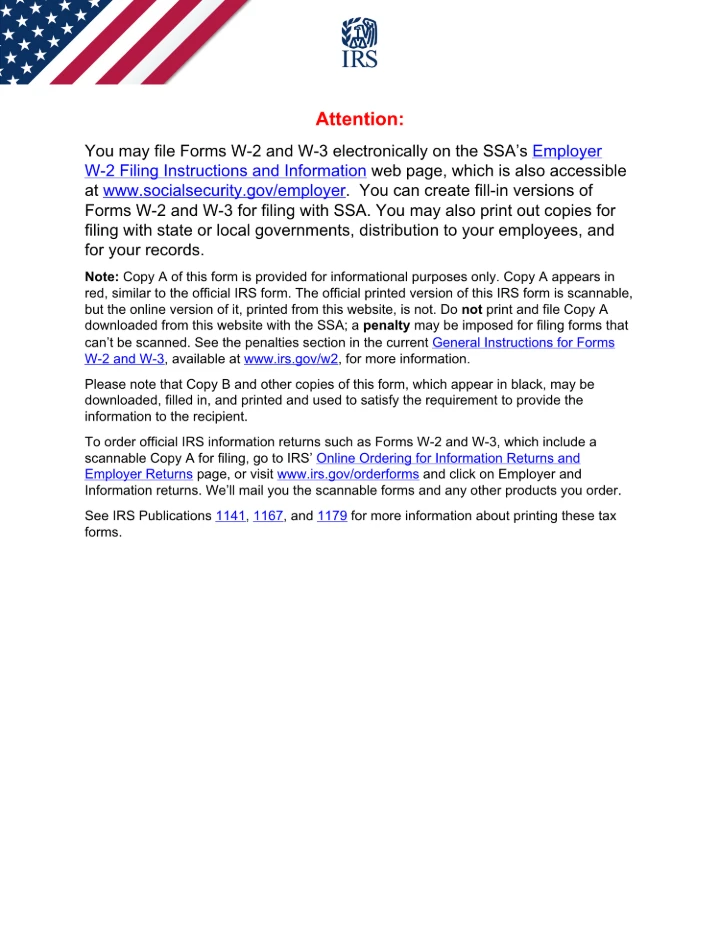
Fill out Form W-2, the Wage and Tax Statement, free in your browser. The genuine IRS form opens here, you click the highlighted fields and type, then download it. Nothing is uploaded to any server. No signup, no watermark.
Editing is free. Downloading your finished file is a one-time $1.97 per document, refundable for 7 days.
What is the W-2?
Form W-2, the Wage and Tax Statement, is issued by employers to report an employee's annual wages and the taxes withheld from their pay. Employers send copies to the employee, the Social Security Administration, and state and local tax agencies.
Fill the W-2 in 3 steps
Get the form
Click “Get form” — the official PDF opens in the editor, with no upload.
Fill it in
Click the highlighted fields and type your details, or add text anywhere on the page. Everything stays on your device.
Download
Save the completed form to your device.
Common questions
Who fills out a W-2 and who receives it?
Employers complete a W-2 for each employee paid during the year and send copies to the employee, the Social Security Administration, and applicable state or local agencies. Employees use it to prepare their own tax returns. Independent contractors receive Form 1099-NEC instead.
Is filling out the W-2 here free?
Filling it in is free, with no signup and no watermark. Downloading the completed form is a one-time $1.97 — not a subscription, and refundable for 7 days.
Do you upload my form to a server?
No. The form opens and is filled entirely in your browser. Nothing is uploaded, so your personal and financial details stay on your device.
Is this the official form?
Yes. This is the official, current W-2 published by the U.S. government, which is public domain. You fill the genuine document.
Related forms
W-9
Form W-9 is used to give your correct Taxpayer Identification Number (SSN or EIN) to a person or company that pays you, so they can report the income to the IRS. Contractors and freelancers are commonly asked to complete one.
W-4
Form W-4 tells your employer how much federal income tax to withhold from your paycheck. You complete it when you start a job or when your situation changes.
1040
Form 1040 is the standard federal income tax return individuals file each year to report income, claim deductions and credits, and calculate tax owed or refunded.